
Compare scope before price
Two quotes can look wildly different because one includes disposal, permits, warranty, materials, or prep work while the other does not.
Scope
Materials
Warranty
Exclusions
Quick answer
Track contractor quotes by saving the quote image or PDF, contractor name, date, scope, materials, labor, warranty, payment terms, exclusions, and the final decision. Compare scope before comparing only the price.
Intent
conversion
Records
saved
Next step
clear
The best home system is one you can keep using after the first week.
Contractor name and contact
Quote date and expiration date
Detailed scope of work
Labor, materials, permits, disposal, and exclusions
Warranty or follow-up terms
Payment schedule
Photos of the issue
Reason you accepted, rejected, or delayed the quote
Two quotes can look wildly different because one includes disposal, permits, warranty, materials, or prep work while the other does not.
A quote makes more sense when it is tied to the original stain, crack, leak, system, room, or repair request.
A rejected quote can still be useful later. It helps you remember what was discussed and what prices looked like at the time.
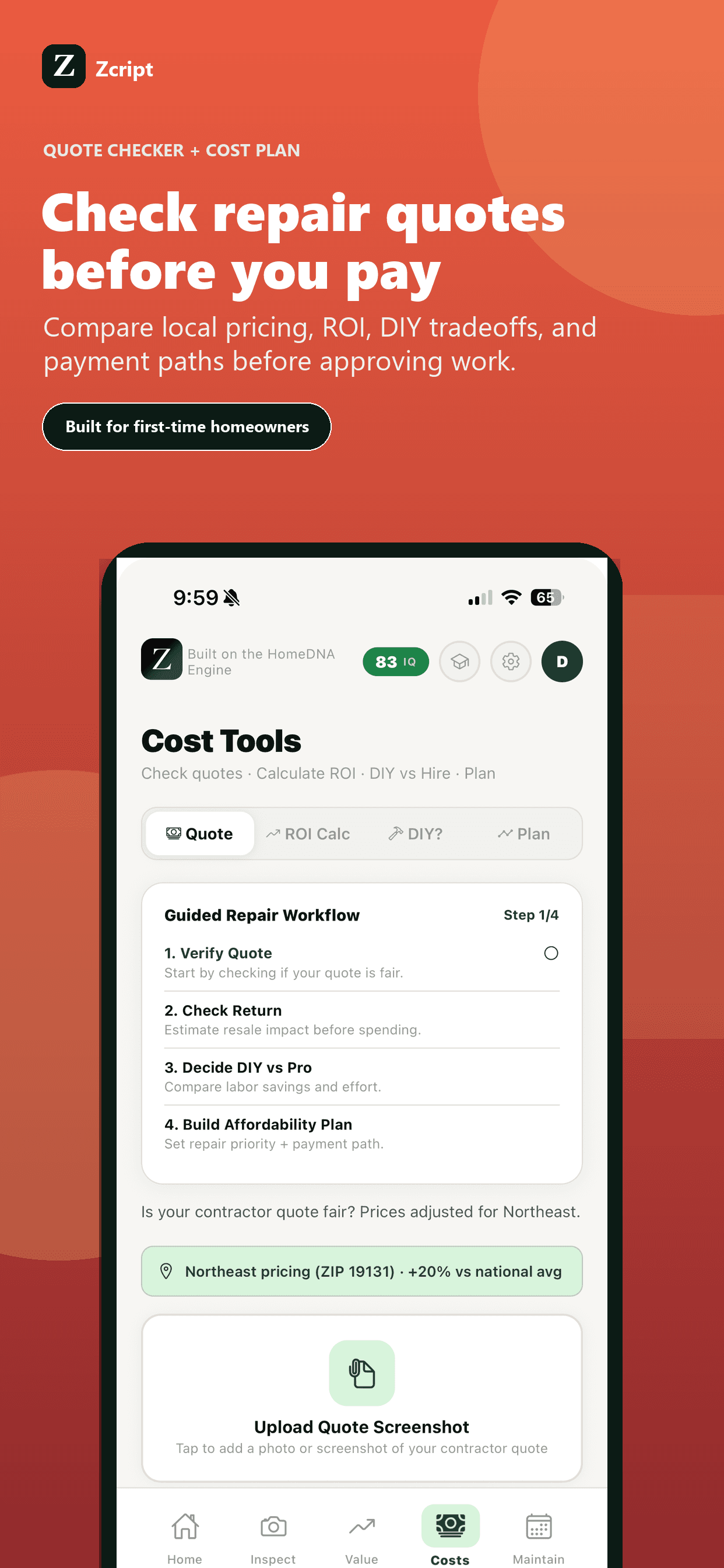
Zcript helps homeowners evaluate quotes, save quote screenshots, turn approved work into ledger entries, and keep the repair history clean.
Zcript can help organize and review quote details, but it does not guarantee pricing accuracy or replace licensed professional judgment.
For expensive or unclear work, multiple quotes can help. For emergencies, speed and qualified help may matter more than quote shopping.
Missing scope, vague materials, no warranty language, unclear payment terms, and unexplained exclusions make quotes harder to judge.
An app can help flag questions and organize details, but local pricing and project conditions still require professional context.